
gaiwant
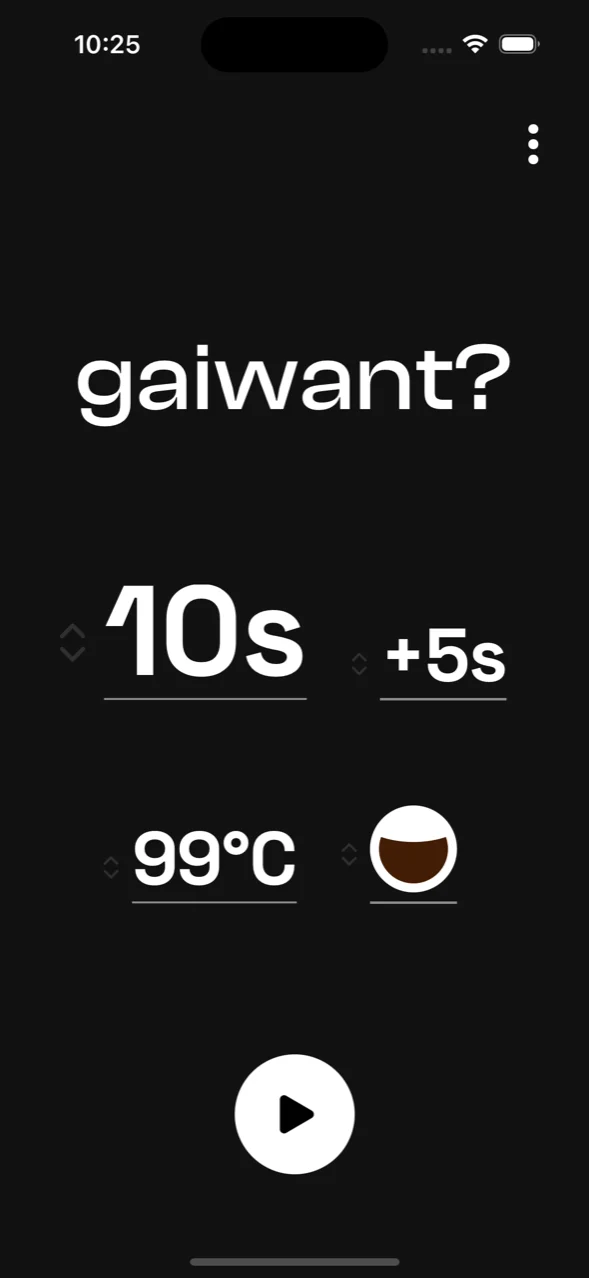
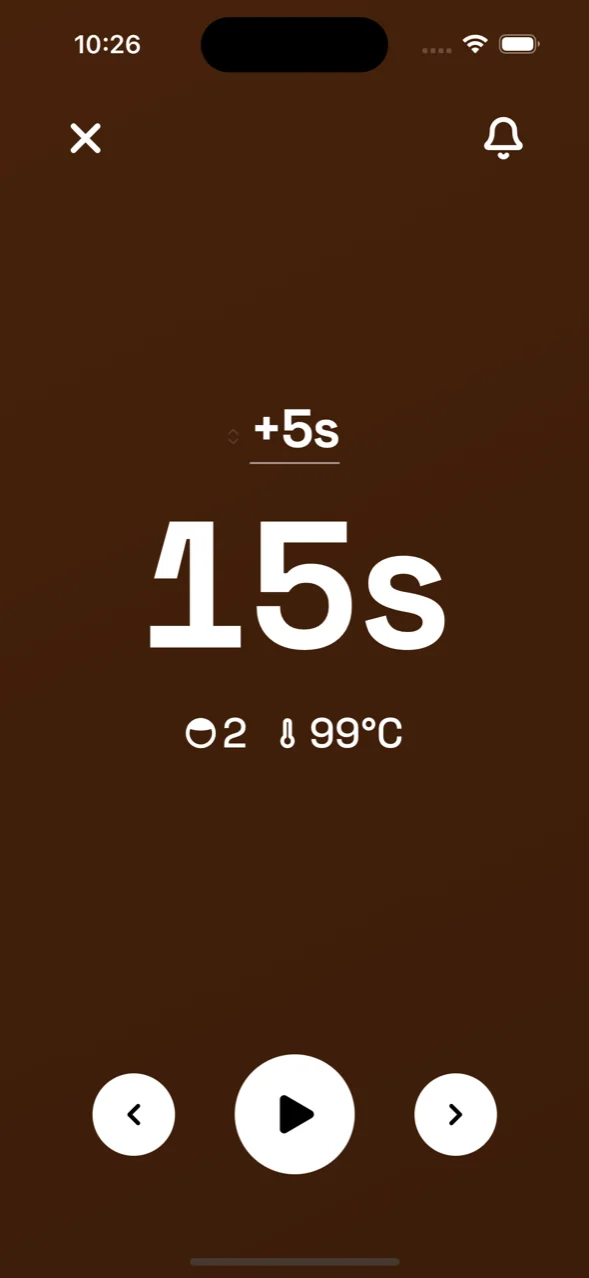
A minimal Gong Fu tea timer for iPhone and Android. Set the first steep and how many seconds to add to each one after. When the timer rings, the next steep length is already set.
I brew Gong Fu every day, so I wanted a timer that gets out of the way. The apps I tried buried it under features. This app is the timer and nothing else.
- App StoreComing soon
- Google Play
-
01
Add a few seconds each steep
Each steep needs a bit more time. Set how many seconds to add up front, tweak as you go. gaiwant adds them after every ring.
-
02
Watch the colour deepen
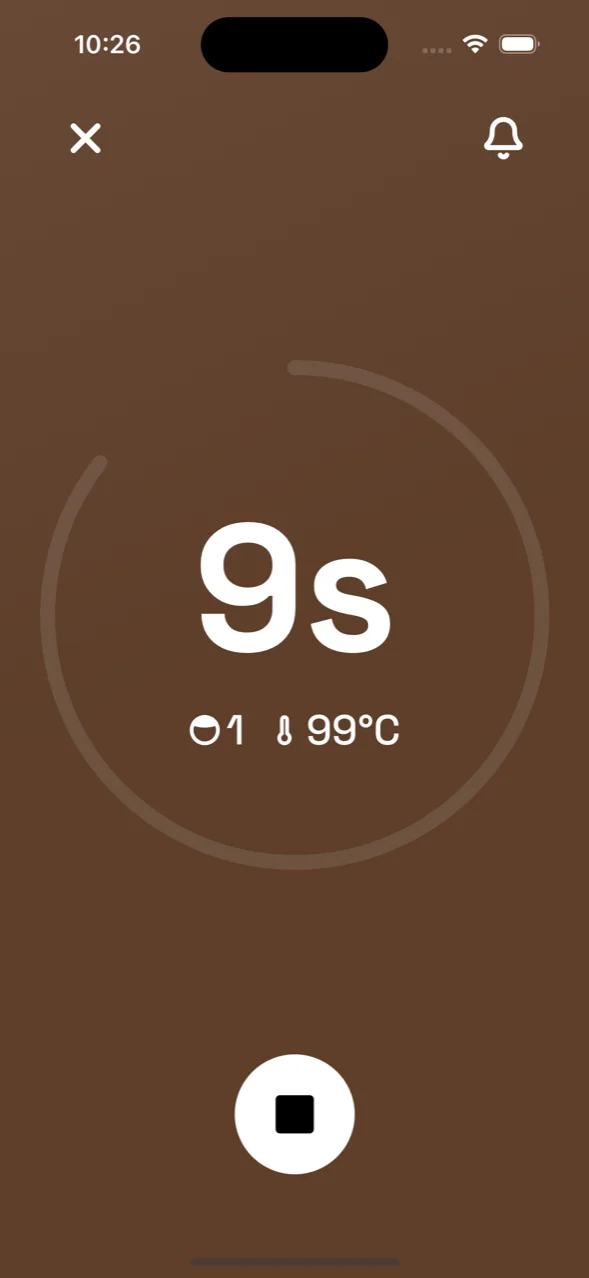
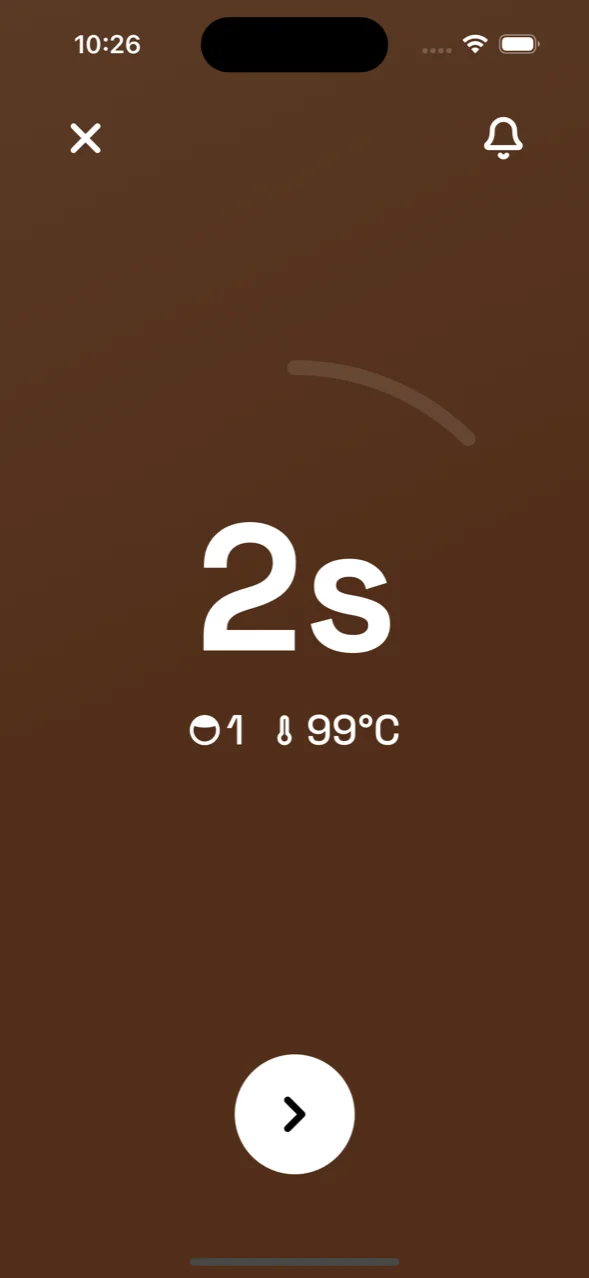
The screen darkens as the tea brews, from pale to the tea's full colour.
-
03
No sign-up
Free. No account and no ads. It works with the internet off. Your settings stay on your phone.